
Driver: Field Programming
·
Site Admin
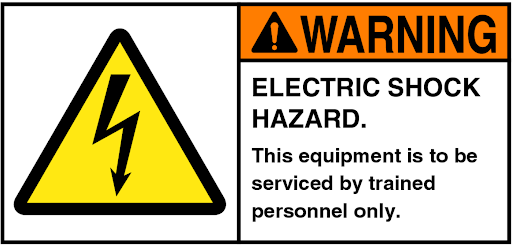
READ & FOLLOW ALL SAFETY GUIDELINES.
SAVE THIS DOCUMENT & DELIVER TO OWNER AFTER INSTALLATION.
-
Disconnect driver from incoming power before programming!
-
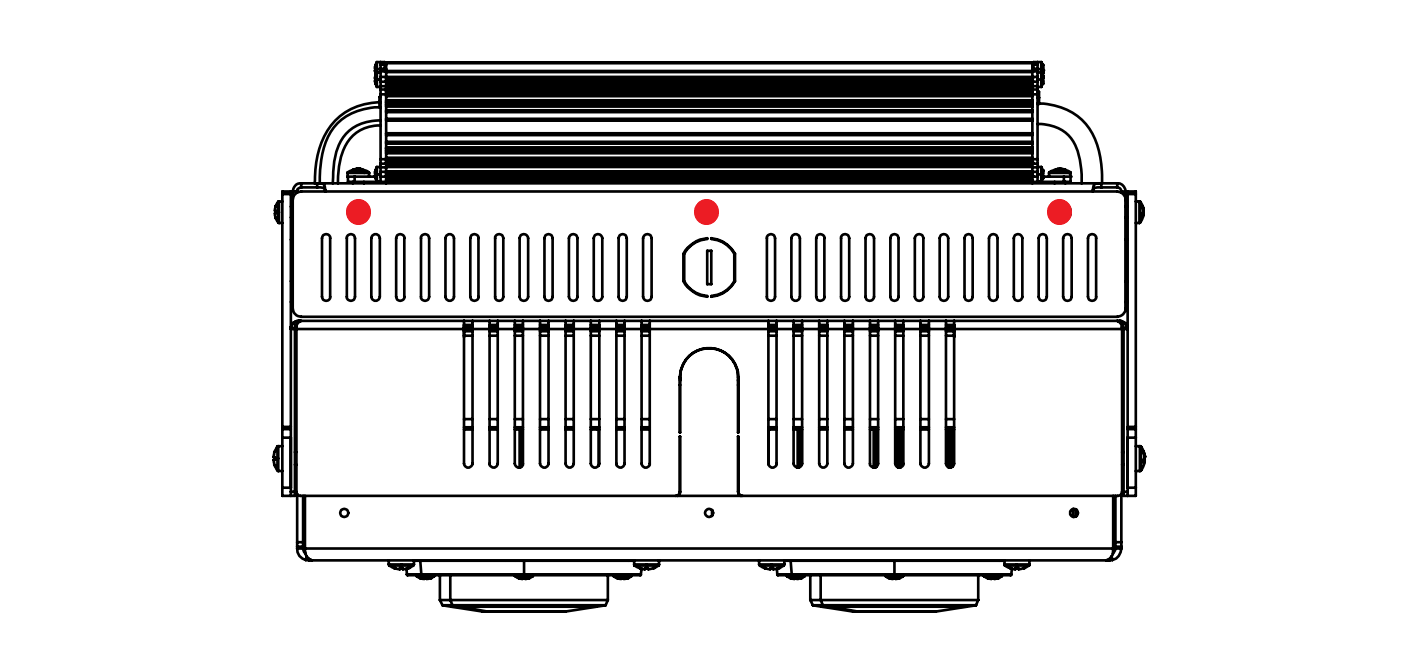
Remove the splice compartment cover screws. (See Figure 1)
-
Remove the splice compartment cover.
-
Locate the dimming cable coming out of the driver (Small cable on the output side of the driver. (The end of the cable will be heatshrunk.)
-
Remove heatshrink and strip cable jacket back to expose the conductors.
-
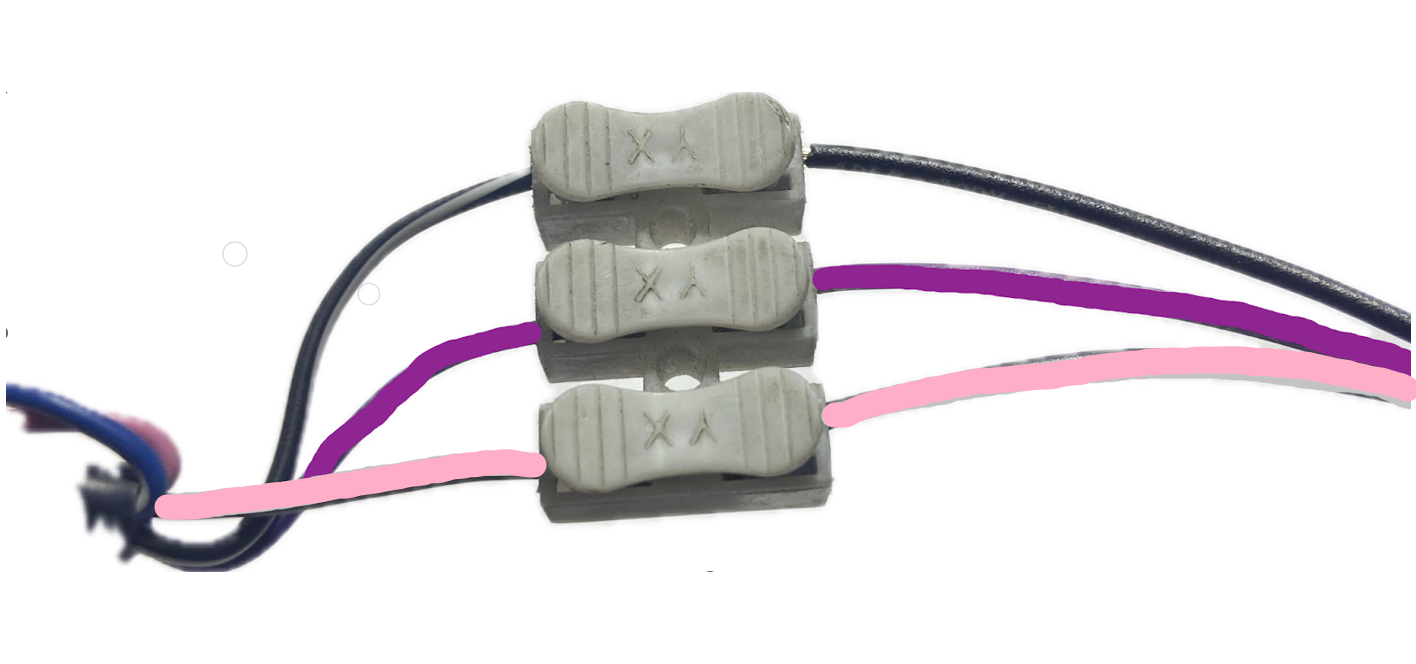
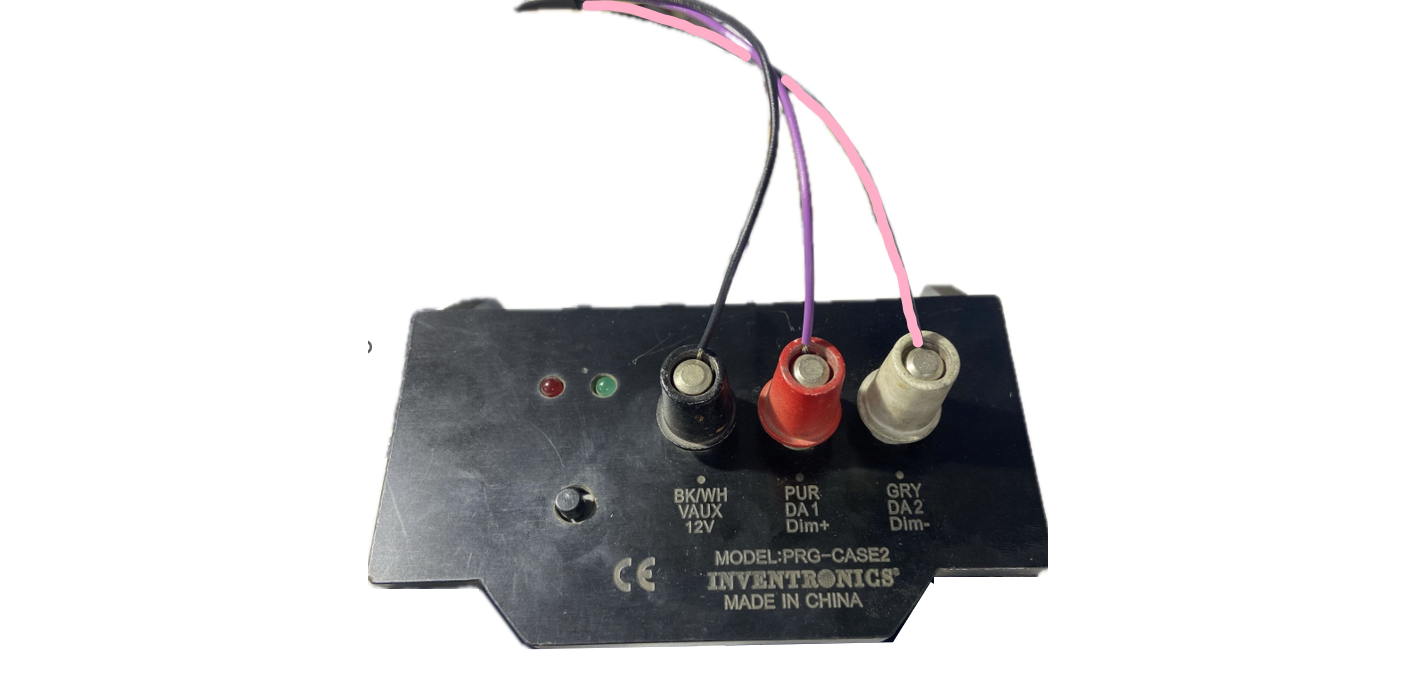
Connect the driver dimming wires into the driver programming wires. Follow the wiring instructions below.
Wiring Instructions- Programmer
-
Black with White Stripe to BLACK
-
Purple to PURPLE
-
Pink to PINK
|
Figure 1
|
|
Figure 2
|
|
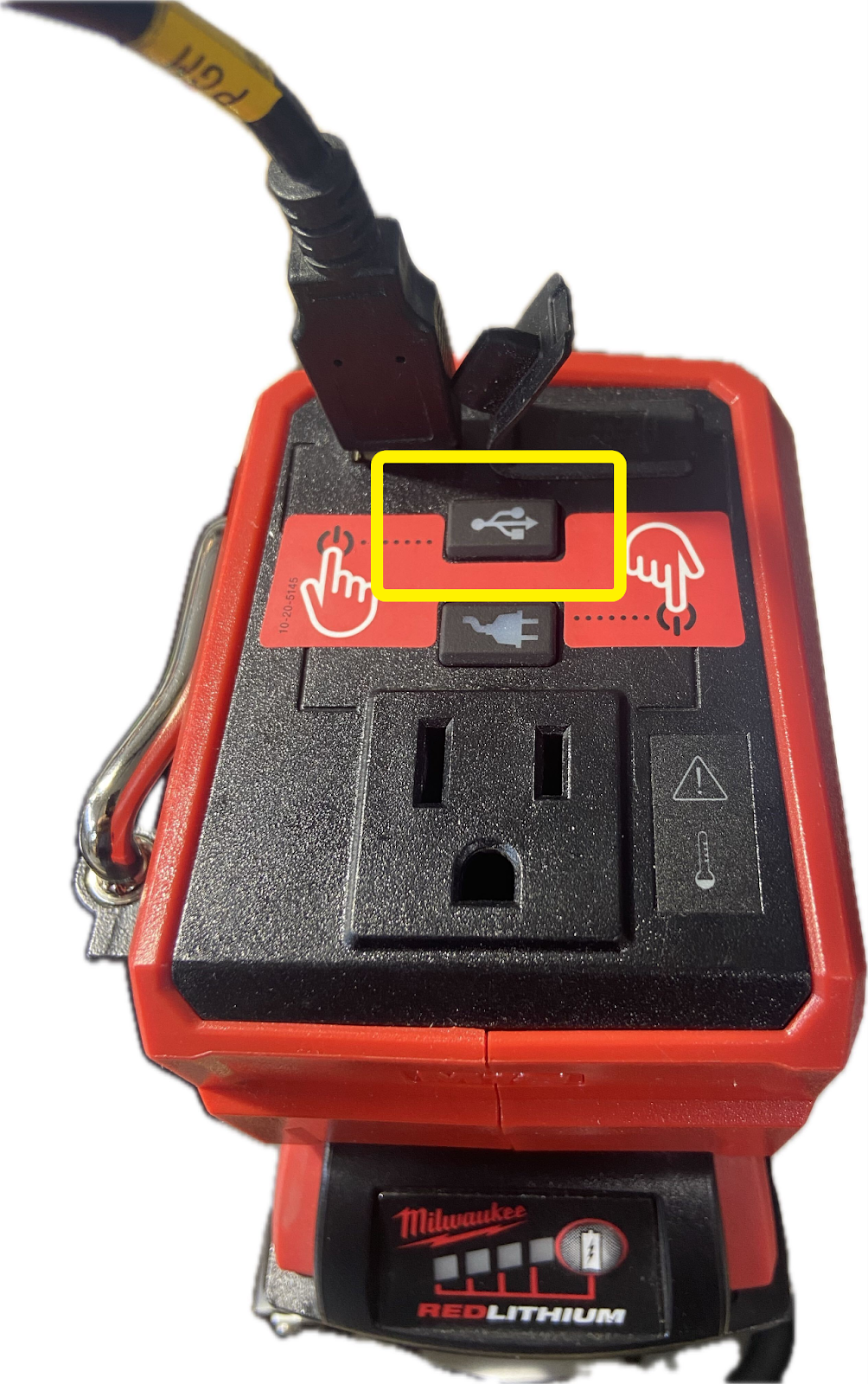
Figure 3
|
|
Figure 4
|
Attachments
-
Driver Field Programming-HDX.pdf 4.1 MB · PDF
▸ Preview inline ▾ Hide preview